
corpsekaizen12
Karoshi·5 episodes
yoinkees
Episodes
I experimented with a lot of compositing and layering throughout the network, and you can dig into all of it yourself through the free TOX file. The network is messy and very much a work in progress, which I think makes it a great learning resource to pull apart and build on. The free TOX file is available on my Patreon along with more free files, resources, and projects I share regularly. Link is below. https://www.patreon.com/posts/159918067 🎛 Free TOX File + More Free Stuff https://www.patreon.com/corpsekaizen
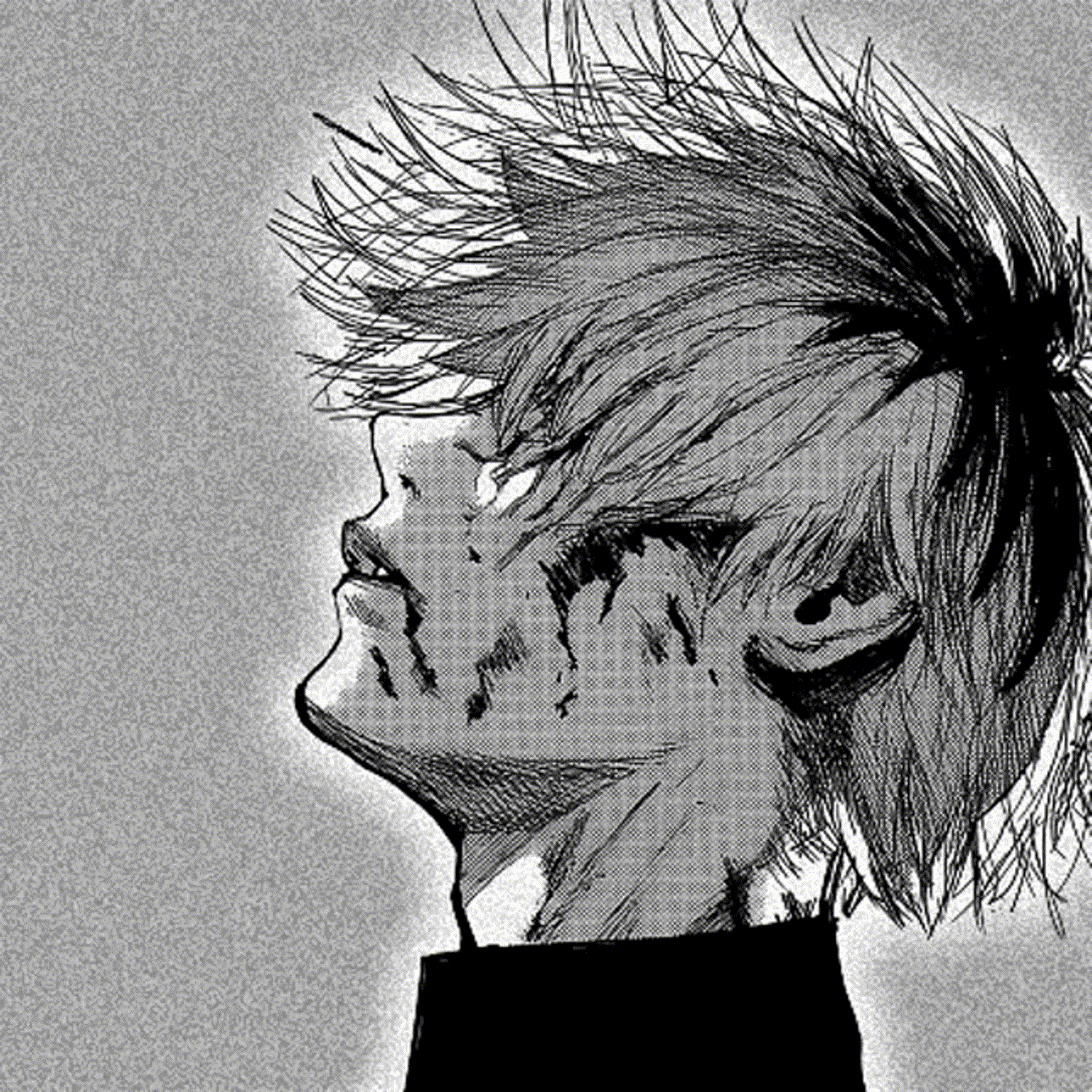
https://youtu.be/jb7mDthEsdM?si=eWjLXLms9Oon6LKv Blood red, a rose made flesh picture me in that shape, the flare, the feathered green ecstasy of it. And still I think of thorns. The above video was created by me, at least the visual part. The song is Reflections by The Neighbourhood. That song has been stuck in my head for weeks. I think this way it will rest in peace. https://www.patreon.com/c/corpsekaizen
I created a glitch effect in TouchDesigner, focusing primarily on CHOPs to TOPs conversion and audio reactive glitching. The effect changes dynamically based on the audio input, though the recording does not reflect that since I had audio turned off during capture. I composited and experimented with many elements throughout the process, all of which you can explore in the TOX file and video. Both are uploaded and available for free. The network is intentionally messy and open ended. I plan to spend more time building on it and developing alternate versions. My main focus going forward is deepening the CHOP to TOP conversion workflow. https://youtu.be/XslkPTLK8D8?si=YEBBj6tKFNirZ-FE The free TOX file is available on my Patreon along with more free files, resources, and projects I share regularly. Link is below. / 159918067 🎛 Free TOX File + More Free Stuff / corpsekaizen
How I created this: https://youtu.be/HFampQL9D-Q?si=4b-CnD4tFqhs4x7j Learn how to build a fully audio reactive psychedelic mosh effect inside TouchDesigner from scratch. In this tutorial I walk you through every step, from analysing your audio input to driving feedback loops and distortion to create that iconic glitchy melting visual. Whether you are a beginner or already familiar with TD, this breakdown will give you a solid foundation for creating live reactive visuals that respond to music in real time. Support the channel and get access to project files, early releases and exclusive content on Patreon: Free audio switcher: 👉 https://www.patreon.com/posts/159800678 Check out my Patreon: 👉 https://www.patreon.com/corpsekaizen
Everything dwells within: the meat chunks and the greened dreams, the extracted leaves, the craved beginnings all spiraling through a senseless continuum, a becoming that asks nothing of meaning. And still I am myself. Still the same withdrawals circle back. Still the substances speak their simple language, and I choose—or choose again reaching for something better than this broken symmetry of staying. A symphony created using TouchDesigner. I used a switch to move between multiple video clips, all copyright-free. Then I used 3D texture and a time machine to create those transitions, with a little bit of noise for that grain effect. Up to this point, it's pretty simple. Then I used a SOP node with texture to create blobs. I couldn't do much rendering or creation as my laptop ran out of resources. Just upload the videos in the Media File options, input the audio in the Audio Device In. The thing is, you can create multiple different variations by changing elements in noise and composite. Patreon component available for personal editing by just simple importing: https://www.patreon.com/posts/audio-reactive-158222822?utm_medium=clipboard_copy&utm_source=copyLink&utm_campaign=postshare_creator&utm_content=join_link
Cast & Hosts
KaroshiReviews
No reviews yet.
Discussion (0)
No comments yet. Be the first to start the discussion!


